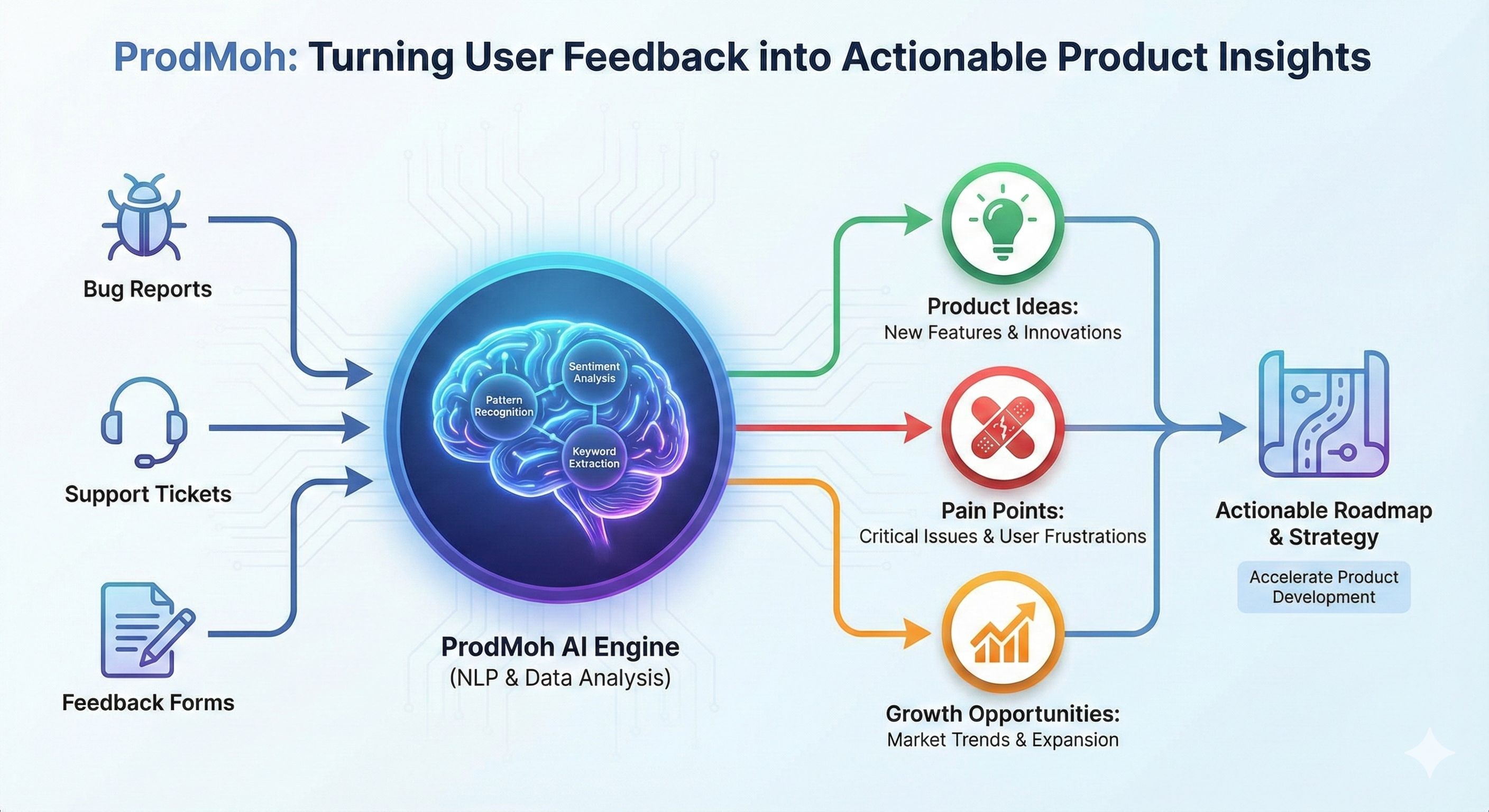
Output 1
Customer-signal evidence
The candidate analyzes customer reviews or feedback in Customer Pulse, or uses Pulse chat to investigate the evidence. This establishes that the product decision begins with customer signal.
What candidates produce and how their work is verified. This assessment uses account evidence from a real product workflow. It does not issue a credential for watching content or merely creating an account.
The assessment connects three product-management outputs. Each output contributes evidence to the eligibility check; the credential represents completion of the connected workflow.
The candidate analyzes customer reviews or feedback in Customer Pulse, or uses Pulse chat to investigate the evidence. This establishes that the product decision begins with customer signal.
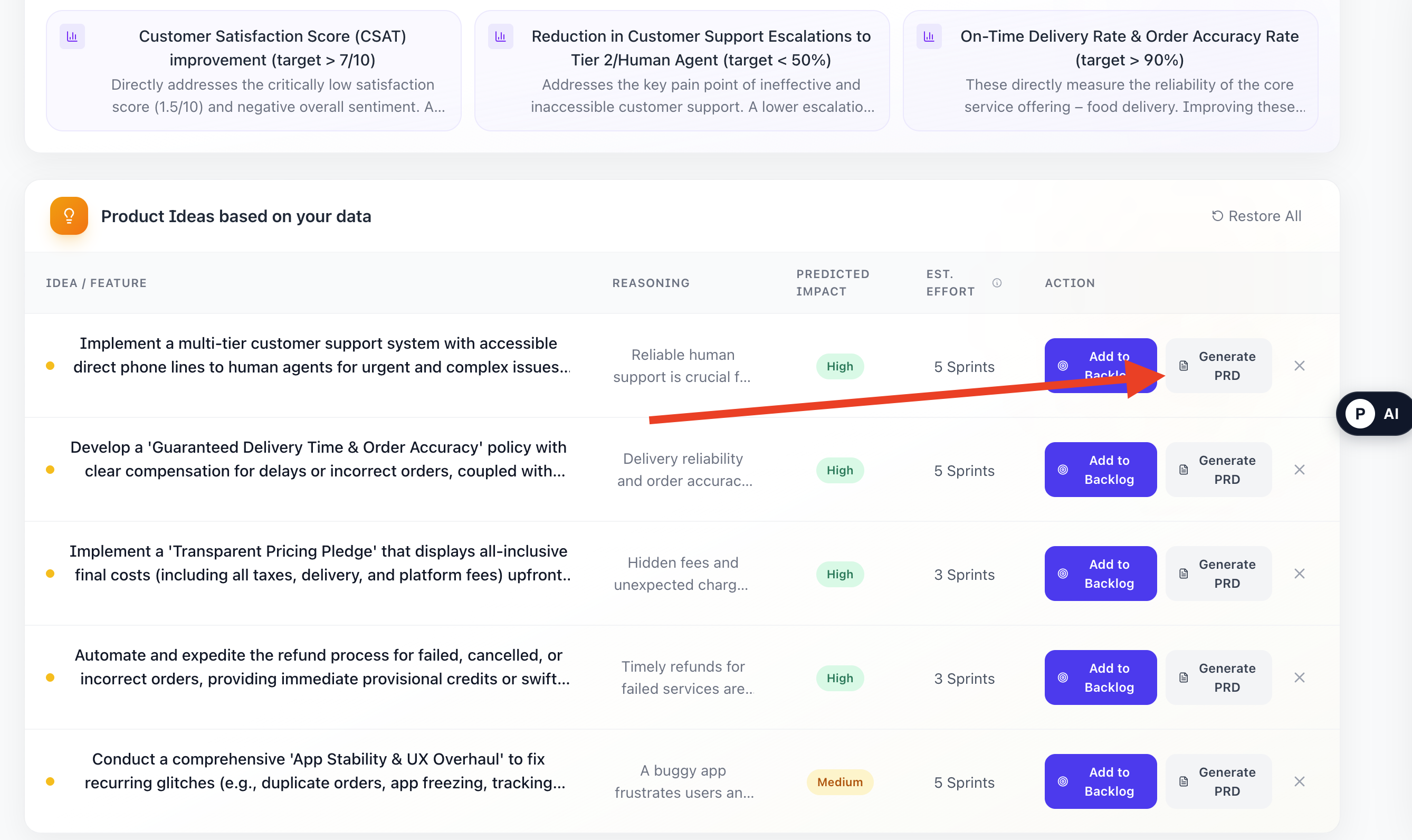
The candidate produces at least one saved PRD with a title or substantive body. The PRD becomes durable evidence that the opportunity was translated into product requirements.
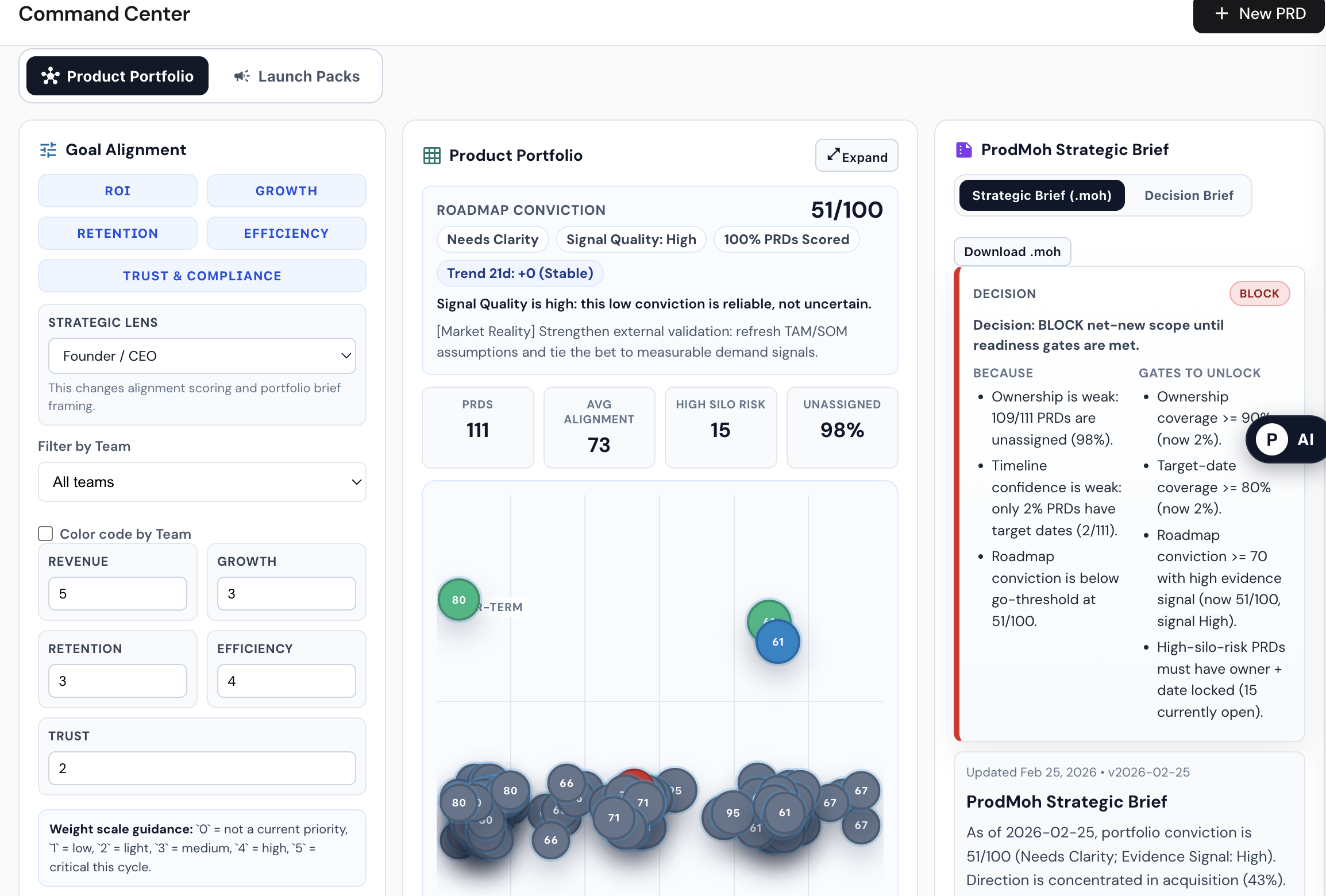
The account shows Product Canvas activity—such as a Founder Brief, Canvas conversation, or Canvas snapshot—or PRD-derived readiness from a valid saved PRD portfolio.
ProdMoh evaluates stored account evidence. All three checks must pass before the credential can be claimed.
| Check | Evidence inspected | Pass condition | If missing |
|---|---|---|---|
| Customer Pulse evidence | Recorded completion of feedback analysis or activity in Pulse chat | At least one qualifying Customer Pulse activity exists | Analyze customer reviews or use Pulse chat, then re-check eligibility |
| PRD generated | The candidate’s saved PRD collection | At least one PRD contains a title or body content | Generate and save at least one PRD |
| Product Canvas validation | Founder Brief, Canvas chat, or Canvas snapshot activity; otherwise PRD-derived Canvas readiness | Canvas activity exists, or a valid PRD portfolio can support Canvas generation | Create a PRD and open Product Canvas to complete the decision workflow |
The credential is not issued automatically. The candidate requests it from their profile, and ProdMoh evaluates the latest account evidence at that moment.
ProdMoh checks Customer Pulse activity, saved PRDs, and Product Canvas evidence or readiness. The profile displays which checks passed and which steps remain.
The claim action remains unavailable until every required check passes. If evidence is missing, the candidate can complete that step and run the eligibility check again.
ProdMoh creates a unique credential ID and stores the holder, issue time, check results, evidence counts, certificate version, and latest PRD reference.
A public credential URL resolves only when ProdMoh finds a stored credential with the correct credential type and an issued status.
The public credential verifies completion. Your portfolio explains the quality of your thinking. Keep a privacy-safe case study that connects the evidence to the decision, using the AI PM portfolio project framework if you need a complete structure.
Customer-signal evidence in Customer Pulse, at least one saved non-empty PRD, and Product Canvas evidence or PRD-derived Canvas readiness. Eligible candidates can then claim a public credential.
At claim time, the system checks qualifying Customer Pulse activity, the candidate’s saved PRDs, and Product Canvas activity or readiness. Every check must pass before issuance.
The current eligibility process checks stored account evidence and activity records. The public certificate does not expose private feedback, PRD content, chats, or Canvas content.
The credential remains not eligible and the profile identifies the missing step. Complete that step and select Re-check Eligibility.
If the credential has already been issued, ProdMoh returns the existing issuance record rather than creating a second credential for the same account.
No. It is a verified practical workflow credential issued by ProdMoh. It is not a degree, government license, or third-party accredited certification.
Begin with customer signal, turn the evidence into a PRD, and complete the decision workflow before requesting your credential.